
Conversions
Download separate parts as individual STEP files
Split a model with several solid bodies into one STEP file per part, delivered as a multi-STEP ZIP download.
Last updated 12/11/2026
Separate parts (.zip) splits a STEP model into one STEP file per solid body and delivers them together in a ZIP. It is most useful when a model has several bodies or components, for example a part made of several bodies or a small assembly. A model with a single body gives a ZIP with one STEP file.
Use it to disassemble a model into its individual parts, open each body as its own part in your CAD system, or quote and manufacture each part separately. This is sometimes called a multi-STEP download or splitting a model into separate STEP files.
Download with Quick Download
- Open the part from your Workspace and select the model you want in the 3D viewer.
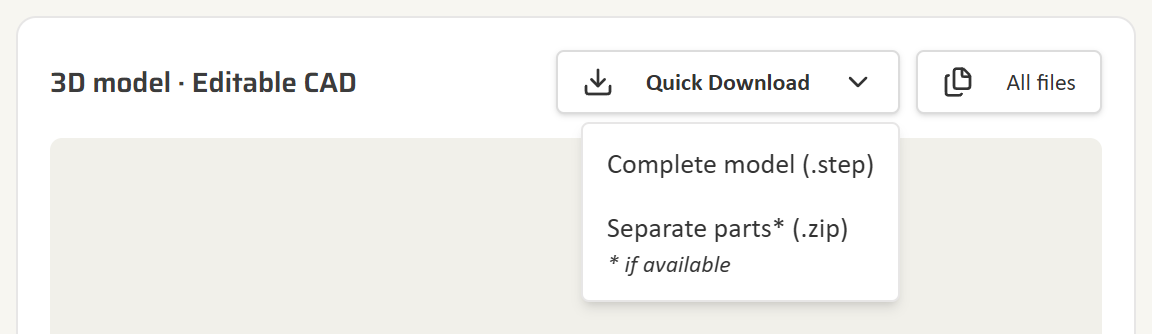
- Click Quick Download above the 3D model.
- Choose Separate parts (.zip). Preparing the ZIP can take up to a minute for larger models. Your browser then downloads it.
Download from All files
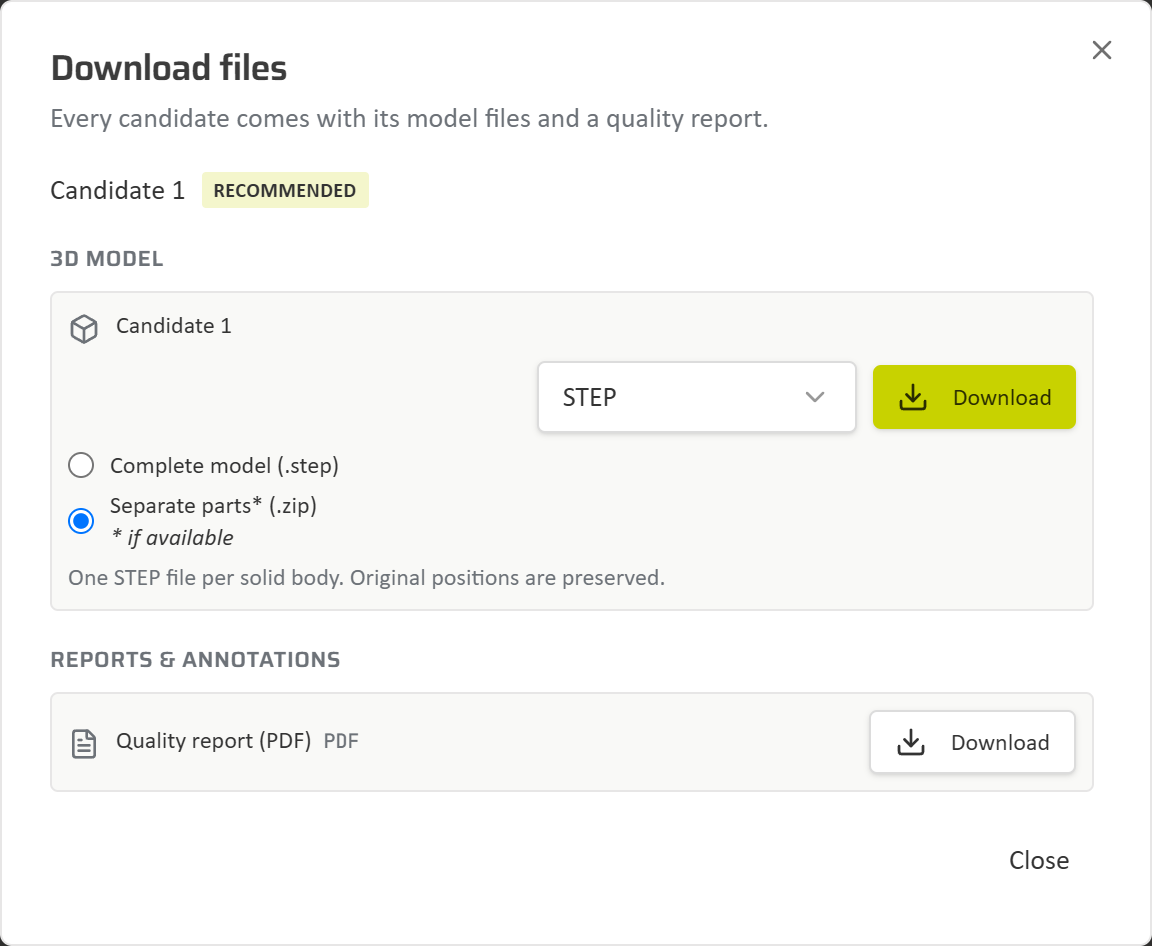
- On the part page, click All files.
- Under 3D model, select STEP in the format list.
- Select Separate parts (.zip) underneath, then click Download.
What is in the ZIP
- One STEP file for each solid body in the model.
- Every part keeps its original position. Import all files into one CAD assembly and the parts line up exactly as in the complete model.
- The ZIP is named after the part number and the candidate and ends in
_separate-parts.zip.
Complete model (.step) still gives you the whole model as a single STEP file. There is no extra charge for downloading separate parts.
When separate parts are not available
Separate parts is marked if available because not every STEP model can be split. Instead of a ZIP, you see a message when:
- the STEP contains surfaces or wires that cannot be exported as solid parts;
- the model has too many bodies, or the model or the resulting ZIP is too large.
Separate parts are offered for STEP models only. For other formats, download the complete model. See Supported file formats for the formats you can download.